What is augmented reality? A plain-language guide
Augmented reality overlays digital content on the real world through a screen. Here's what AR is, the main types, how it works, and where you've already seen it — without the jargon.
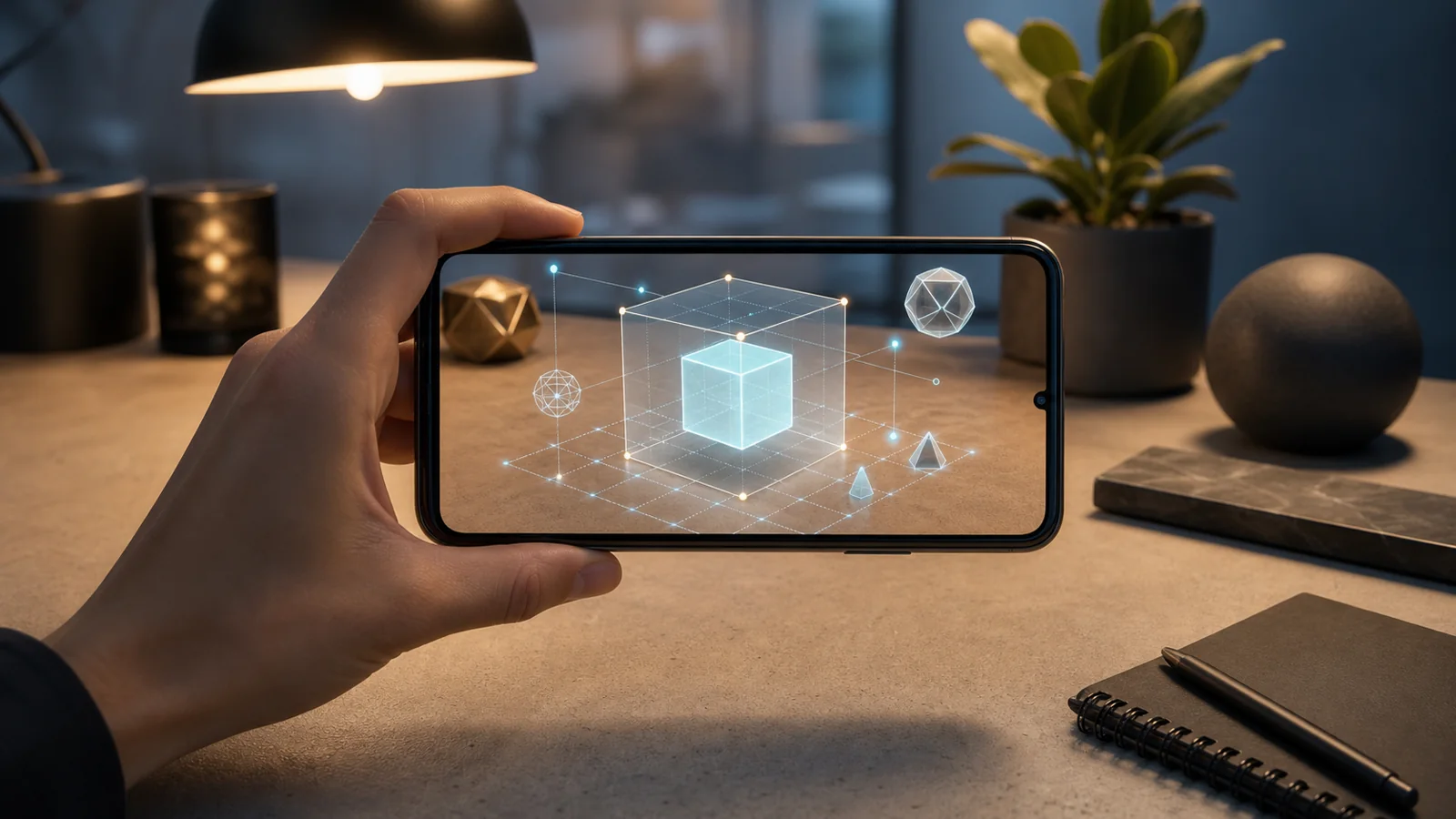
Augmented reality (AR) overlays computer-generated content — 3D objects, images, text or data — onto your view of the real world, in real time and anchored to physical space. You look through a screen, usually a phone or tablet, and the digital and the real appear together as one scene.
The key word is augmented: AR adds to reality instead of replacing it. A virtual chair sits on your actual floor; a filter paints onto your actual face; an arrow floats over the actual street ahead.
AR vs. VR vs. MR
Three terms get mixed up. The simple version:
- AR (augmented reality) adds digital content on top of the real world — you still see your surroundings.
- VR (virtual reality) replaces the real world with a fully digital one, usually through a headset that blocks your view.
- MR (mixed reality) blends the two, so digital objects can react to and sit behind real ones.
AR is the one most people already carry in their pocket, because it only needs a camera and a screen.
How AR works
Under the hood, an AR experience repeats four steps many times a second:
- Capture — read the camera feed and motion sensors.
- Understand — work out where things are: a flat surface, a printed image, a face, or the device's position in space.
- Render — draw 3D content aligned to what it found, with matching perspective and lighting.
- Display — composite the virtual content onto the live camera image so the two move together.
The main types of AR
AR is usually grouped by what it anchors to:
- Marker-based (image) — content appears when the camera recognizes a printed image or pattern, like a poster or package.
- Markerless / world — content is placed on surfaces the device detects on the fly, so you can walk around it.
- Face — tracks facial features for masks, makeup and try-on.
- Location-based — content is pinned to GPS coordinates out in the world.
Where you've already seen AR
AR stopped being futuristic a while ago. You've used it if you've ever tried a social face filter, previewed a sofa in your living room, tried on glasses or sneakers from a product page, followed AR walking directions, or scanned a package or museum exhibit that came to life. Location-based games put millions of people on the street chasing virtual creatures. It's already an everyday technology.
Phones vs. headsets
AR runs on two kinds of hardware. Phones and tablets put AR in billions of pockets today, with no extra gear — which is why almost all consumer AR happens there. Glasses and headsets promise hands-free, more immersive AR, but they're still early and niche. If your goal is to reach an audience now, the phone is where AR lives.
Augmented reality used to need a headset or an app. Now it can fit in a link.
Making AR — and making it easy
For years, building AR meant a native app, a platform SDK, and 3D engineers. Two things changed that. First, WebAR moved AR into the browser, so an experience opens from a link or QR code with nothing to install. Second, no-code tools removed the engineering: with XR Designer you compose a 3D scene visually, wire up interactions, and publish to a shareable link — no app, no code.
Curious how to actually make one? Build your first AR experience without code walks through it step by step.
Try augmented reality for yourself
Compose a scene, wire the interactions, publish to a link. Free to build and preview — no app, no code.
Start building — free